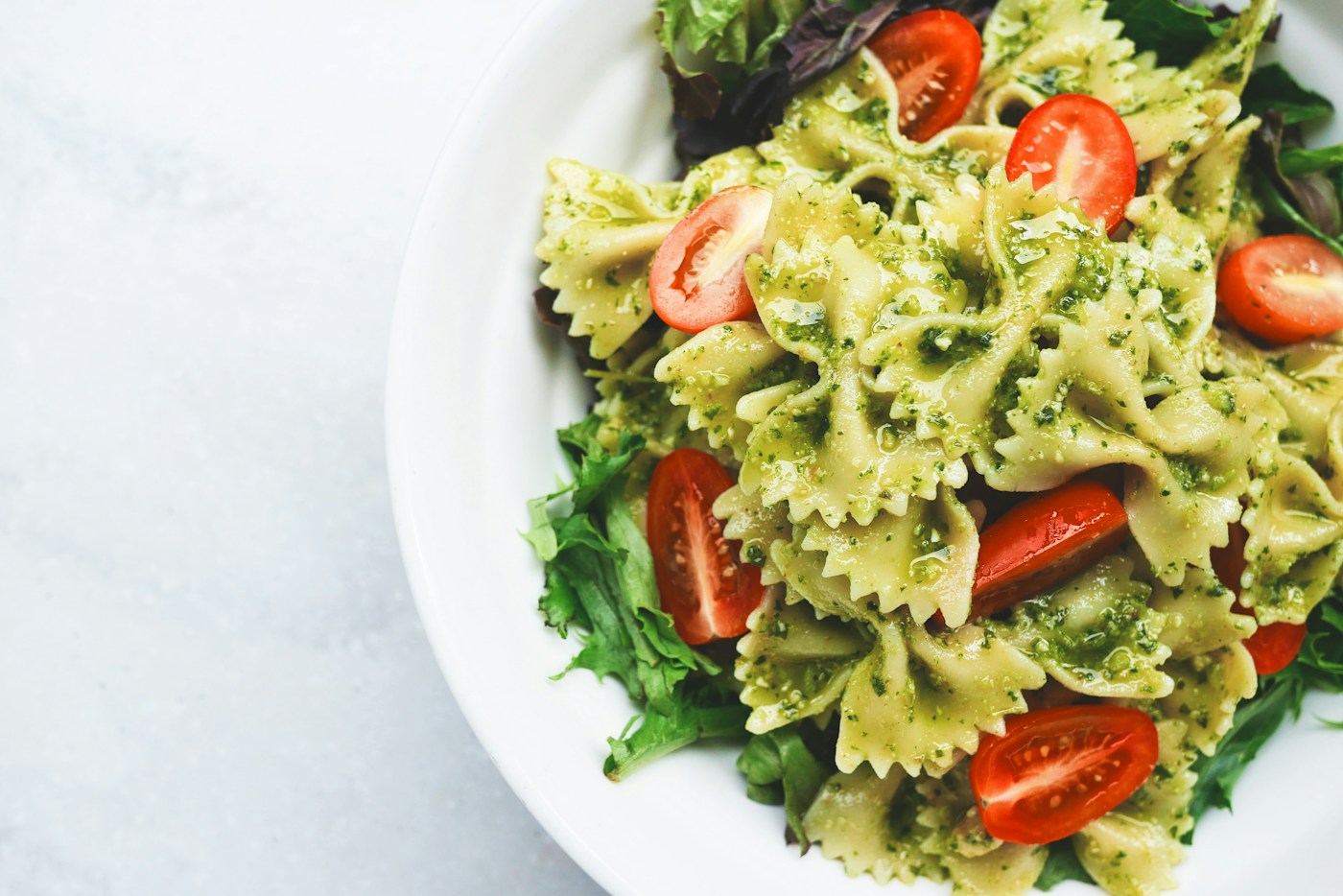
This is a worked example of the site's planning tools, built from the same recipe data as the live dinner planner. It shows what changes when you replace one meal. It is an illustrative dinner plan for two, not a kitchen-tested menu, a complete nutrition plan, or a promise that every meal suits every eater.
The starter week at a glance
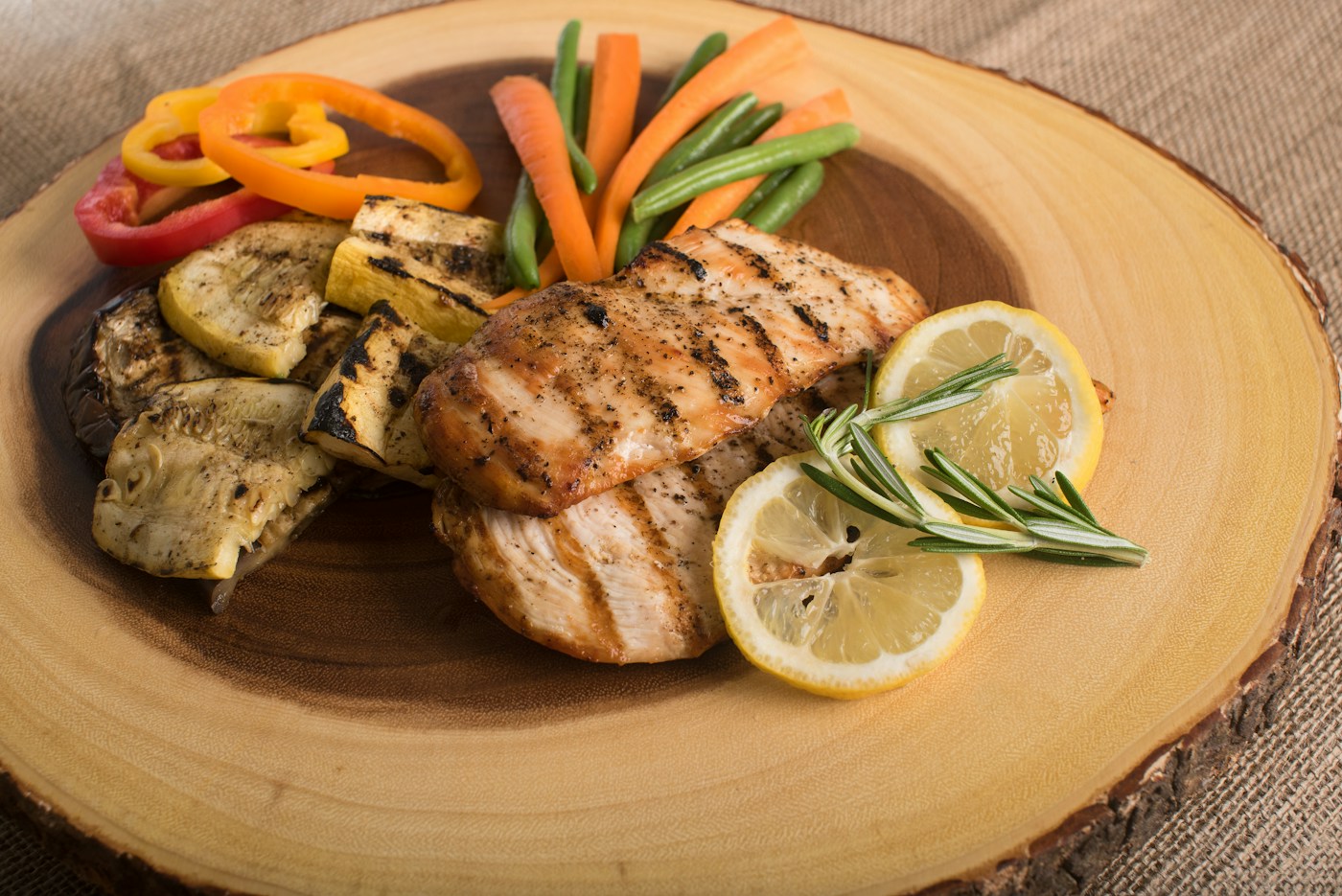
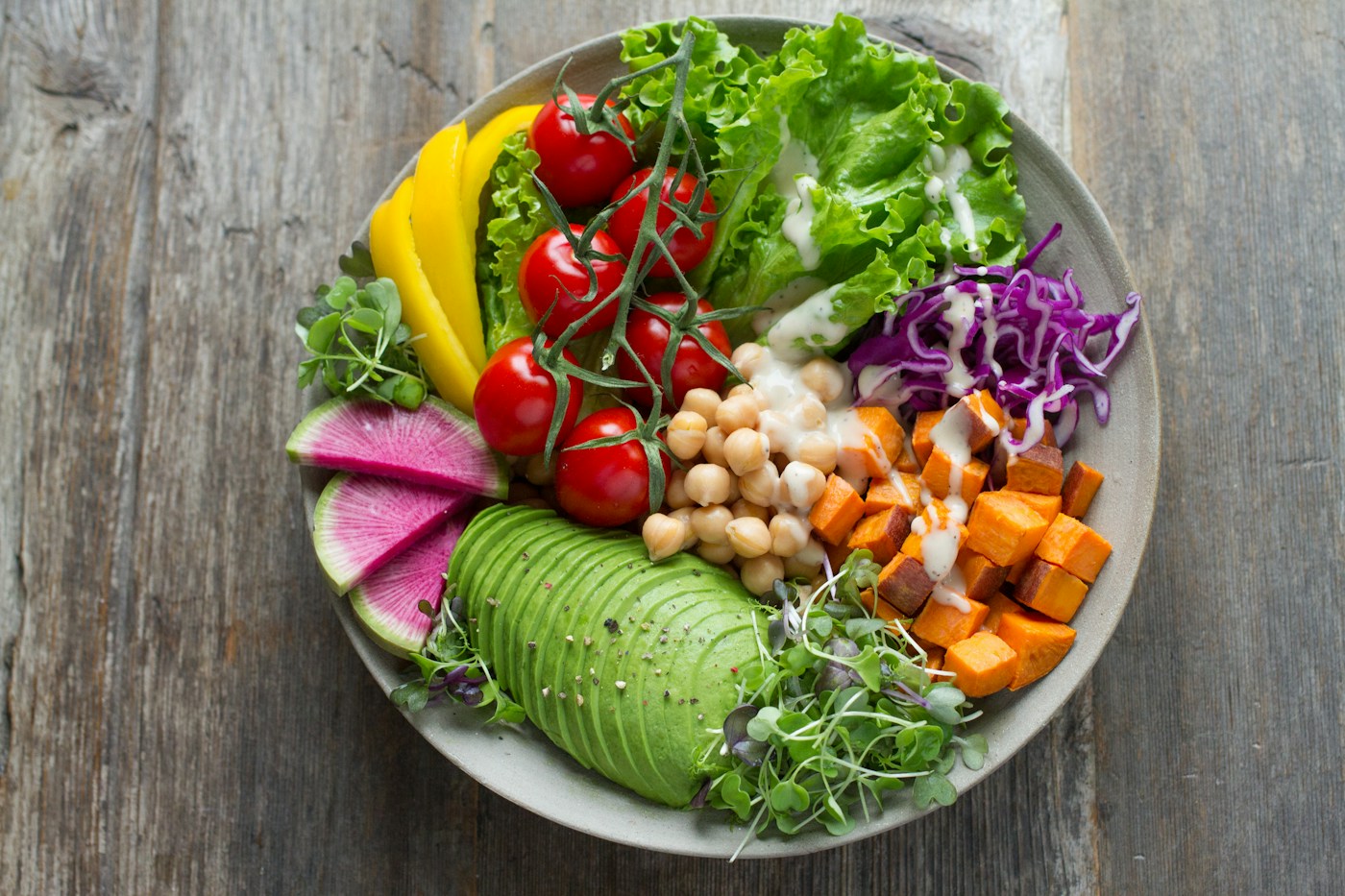
Seven dinners for two. Photographs are illustrative stock images; recipes have not been kitchen-tested. Lunch-category recipes can also be selected for dinner in the planner.

One change, a different shopping list
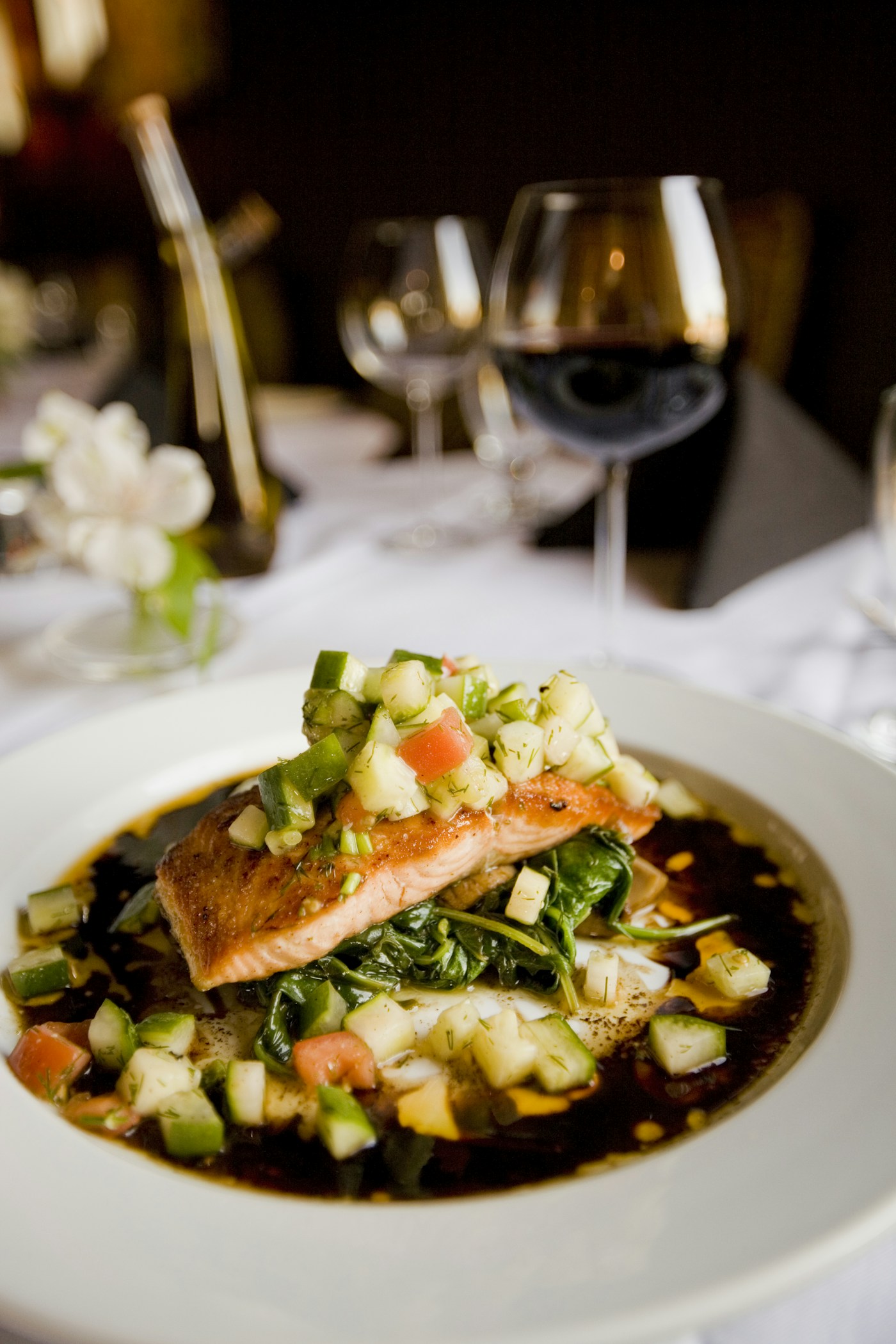
Replace Monday's Simple pesto pasta with Lemon-baked salmon. Saturday's pasta stays. These quantities come from the same recipe data and quantity calculation used by the shopping tool.
| Ingredient | Before | After |
|---|---|---|
| Pasta | 12 oz | 6 oz |
| Basil pesto | 4 tbsp | 2 tbsp |
| Parmesan | 4 tbsp | 2 tbsp |
This is a planning demonstration, not a complete shopping list or a tested nutrition plan. Your saved plan may differ.
Step 1: Find one soft dinner for a short evening
Open the linked collection with Dinner, 20 minutes or less, and Soft selected. In the current collection, Simple pesto pasta matches those filters. The 20 minutes is the recipe's estimated time, not a measured result. Check whether its ingredients and preparation work for the people eating.
Try these exact recipe filtersStep 2: Open your dinner plan
The example above shows the starter plan, not your saved selections. The live planner uses any choices already stored in your current browser. Use Restore this week's plan only if you want to replace those saved selections with the starter plan; otherwise keep your choices and try a different day.
Open your editable dinner planStep 3: Change Monday to Lemon-baked salmon
In Monday's Make it yours menu, choose Lemon-baked salmon. The live row should change to that recipe's title, photograph, and estimated 25 minutes. Saturday remains Simple pesto pasta, so the plan still contains one pasta dinner. Friday already contains salmon; this swap intentionally repeats it.
Step 4: Check the shopping list
Choose Build my shopping list. With just the Monday swap described here, the pasta, pesto, and Parmesan quantities should match the After column above. Other ingredients also change: check the full list rather than treating these three rows as your entire shop. Optional ingredients stay marked, and ingredients with different names can appear on separate lines.
Open the planner and its shopping-list linkStep 5: Print what you need
Use Print shopping list to open your browser's print dialog. Choose your printer, or Save as PDF if your browser supports it. A printed list or PDF can travel with you; Google sign-in does not transfer the editable plan to another device. Breakfast, lunch, snacks, extra sides, and household portion adjustments need to be added separately.
Keep repeated meals separate from leftover storage
Two appearances of the same meal mean two planned preparations, not a recommendation to keep cooked food in the fridge all week. Shop, freeze, and prepare ingredients according to their labels and safe storage guidance. The planner does not decide when leftovers are safe to use.
Common questions
Will opening this example reset my plan?
No. This example is read-only. Only an action inside the live planner changes your saved selections.
Why does my shopping list differ from the example?
Your browser may contain a different plan. The Before and After columns refer only to the displayed starter plan and the single Monday swap described here.
Are these recipes kitchen-tested?
No. They are editorial drafts awaiting actual cooking review. The example verifies planning data and arithmetic, not cooking results or nutrition.
Updated November 29, 2026. Recipe drafts await cooking review; photographs are illustrative.
Safety references
- Safe minimum internal temperatures — FoodSafety.gov
- Cold food storage guidance — FoodSafety.gov
- Choking hazards for infants and toddlers — CDC